Control and cue the event
See what is happening live, adjust timers, and send a cue to the stage.
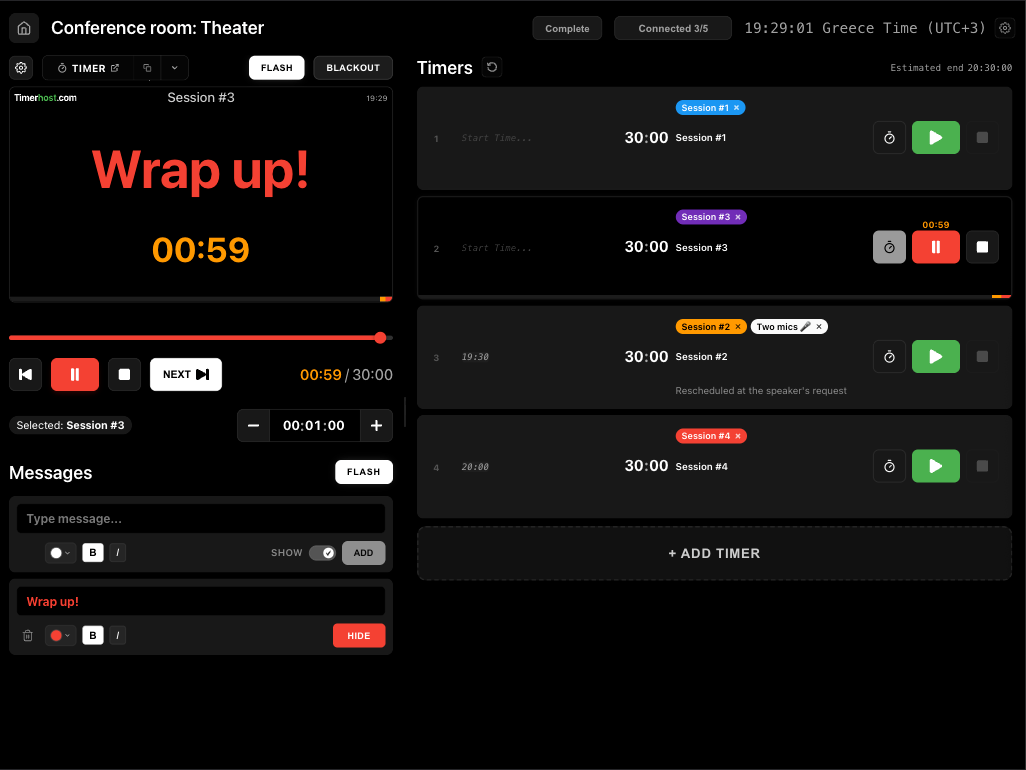
Coordinate speakers, stages, and operators with remote-controlled timers and instant stage messaging.
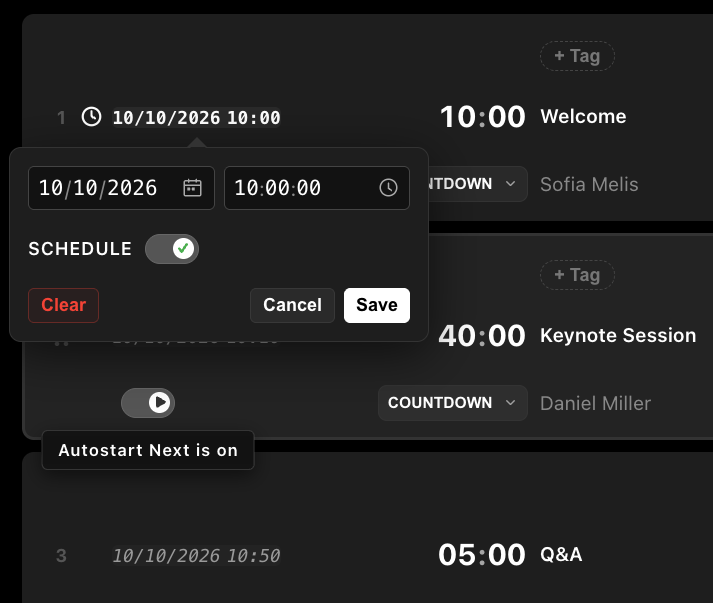
Start timers at a specific time, automatically after the previous one, or manually during the event.
Flexible sessions flow naturally while important moments stay protected.
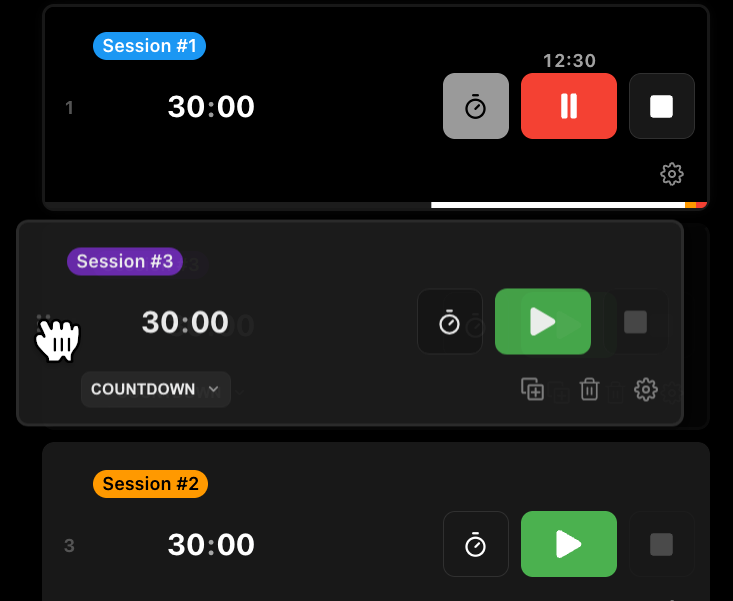
Reorder timers, extend or shorten them, pause, or jump forward and back with the time seeker while the event is live.
Keep the event moving without rebuilding the whole schedule.
Get speaker’s attention when you need it and keep your team aware of any live schedule changes.
See what is happening live, adjust timers, and send a cue to the stage.
Operators, speakers, crew, and attendees can see the latest timing.
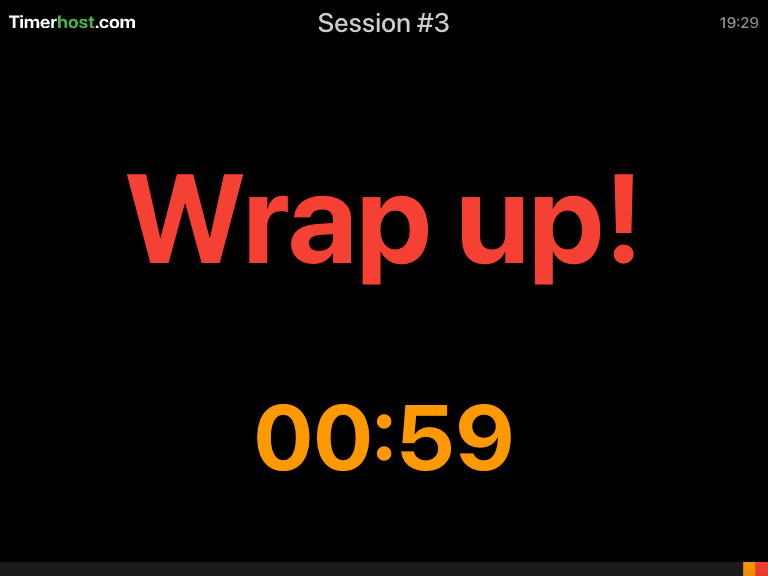
Flash the timer or send a message to the stage when a speaker needs a cue.
See what is happening live, adjust timers, and send a cue to the stage.
Operators, speakers, crew, and attendees can see the latest timing.
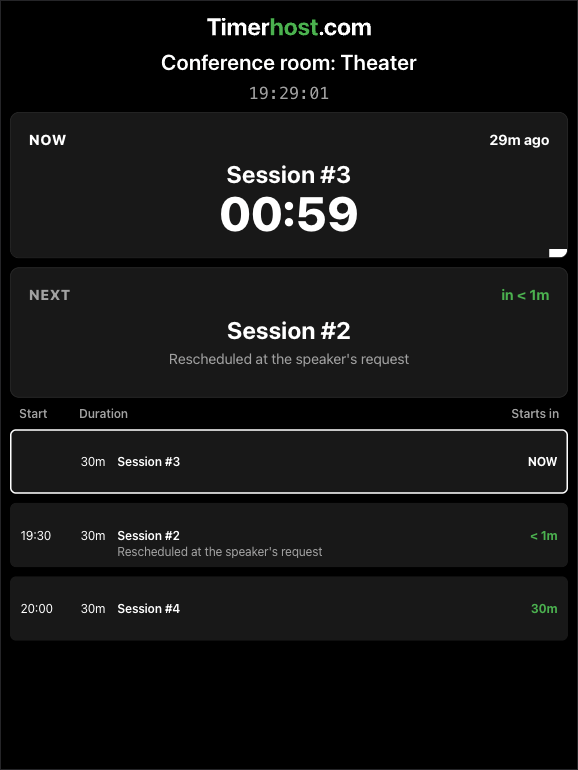
Flash the timer or send a message to the stage when a speaker needs a cue.
Updates use little data, while timers keep running through slow or interrupted internet. They sync automatically when the connection returns.
From webinars and conferences to ceremonies and live streams, Timerhost helps you coordinate timing, respond to changes, and keep everyone in sync as the event unfolds.
Keep keynotes, panels, Q&A, and breaks on track.
Coordinate performers, cues, and transitions.
Coordinate segments, ad breaks, and production cues in real time.
Smooth handoffs between hosts, guests, segments, and transitions.
Keep presenters, lessons, and remote contributors moving.
Keep all-hands, kickoffs, and workshops smooth, clear, and on time.
Coordinate services, speeches, music, and transitions.
Keep hosts, guests, ad breaks, and segments on schedule.